Mac audio guide

Best equalizer settings for podcasts on Mac: start with clarity, not more treble

Find clear, comfortable podcast EQ settings for Mac. Start Flat, diagnose boom or dullness, and tune the podcast app without changing everything else.

August 22, 20267 min read

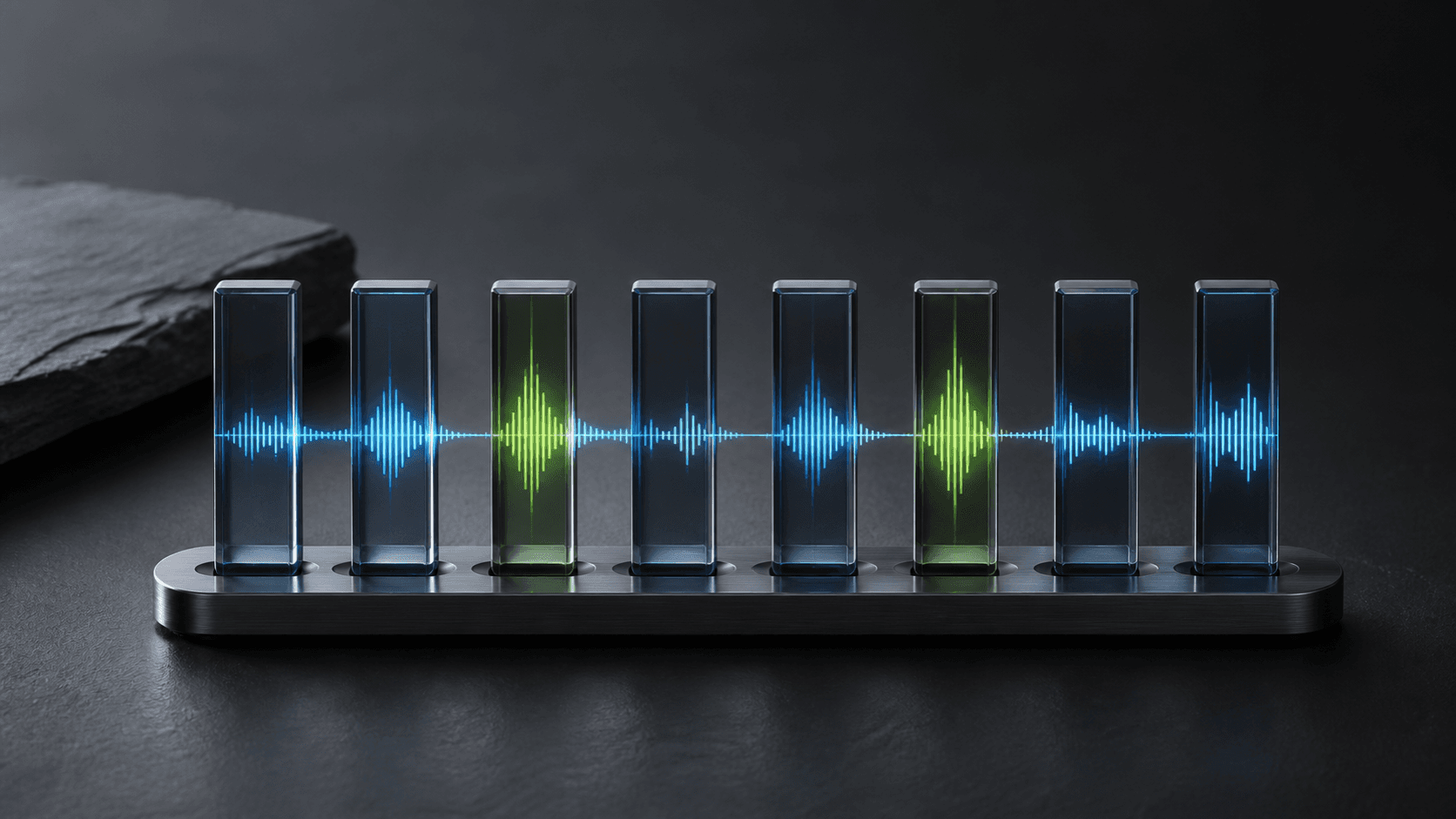
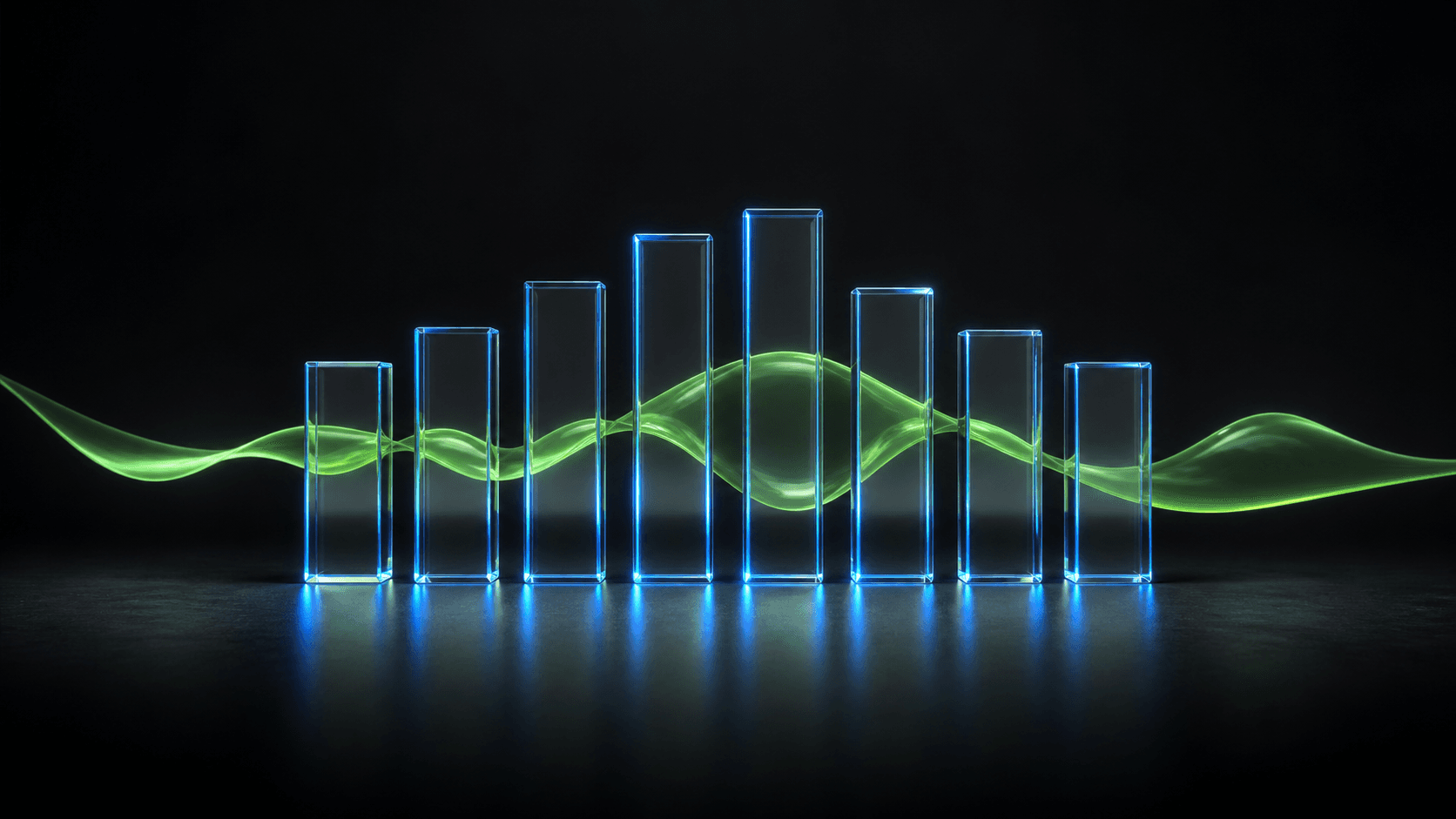
A precise blue glass speech waveform passing through eight restrained equalizer columns on a graphite studio surface.

The best equalizer setting for podcasts on Mac starts Flat. Lower a little 125 or 250 Hz when speech sounds boomy, and add a restrained 2 or 4 kHz lift when words feel dull. Make the change in the podcast app only, compare it with Flat, and stop as soon as speech becomes easier—not merely brighter.

Why is there no universal podcast EQ?

A close studio microphone, a remote interview, an archive recording, and a phone speaker can all arrive in the same podcast feed. Your headphones add another tonal shape. One dramatic “voice” curve may rescue an episode and make the next one thin or abrasive.

Use EQ as a listening correction, not a badge of fidelity. The right setting is the smallest curve that makes a familiar voice easier to follow at a comfortable level.

Fix the listening level before the tone

If every word is hard to hear, raise the podcast app slightly before changing its frequency balance. EQ changes tone; it is not a clean substitute for volume. Lower competing music or browser audio instead of pushing every EQ band upward.

Use this 8-band curve as a diagnosis

BandStarting moveWhat to listen for
63 HzLeave flat firstRumble and handling noise live here; a cut can help, but it cannot repair a damaged recording.
125 HzTry −1 to −3 dB if boomyReduces the chesty, enclosed sound common on small speakers or close microphones.
250 HzTry −1 to −2 dB if muddyCreates separation between words when a voice feels congested.
500 HzUsually flatLarge cuts can make speech hollow; move it only when you can name the problem.
1 kHzUsually flatThe centre of speech is already prominent in most recordings.
2 kHzTry +1 to +2 dB if dullAdds articulation, especially for consonants, without chasing volume.
4 kHzTry +1 dB if neededCan improve definition; too much quickly becomes tiring or sharp.
8 kHzFlat or a very small liftAdds air, but also reveals hiss and sibilance.

Do not enter all of those moves at once. Start with the row that names the problem you actually hear. SOUND’s eight bands—63, 125, 250, 500 Hz and 1, 2, 4, 8 kHz—make those comparisons direct, with up to ±12 dB available even though podcast corrections should usually stay small.

Tune the podcast app, not every sound

A speech curve that helps an interview can make music, calls, and film sound unnatural. With SOUND, select the app playing the podcast, begin with Flat or Podcast, and adjust only that app. Its volume, eight-band EQ, and output remain independent from the rest of the Mac.

Know what EQ cannot repair

EQ cannot remove overlapping speakers, reconstruct clipped audio, restore detail lost to a poor connection, or eliminate strong room echo. It can make those faults less distracting, but a large boost often raises hiss and harshness with the voice. If Bluetooth quality suddenly collapses during a call, fix the Mac’s microphone mode before touching the equalizer.

Save one useful preset, then keep listening

  1. Start the podcast app and set its listening level comfortably.
  2. Choose Flat and name the problem: boom, mud, dullness, or sharpness.
  3. Move one matching band by 1–2 dB.
  4. Compare with Flat at the same apparent volume.
  5. Save the curve only if it works across several voices and episodes.

For the broader method, read our Mac equalizer guide. If the real problem is competition between apps, use the per-app volume guide instead.

Share

Frequently asked questions

What are the best equalizer settings for podcasts?
Start Flat. If speech is boomy, try a 1–3 dB cut at 125 Hz; if muddy, a 1–2 dB cut at 250 Hz; if dull, a 1–2 dB lift at 2 kHz. Compare at the same volume and keep only changes that help several voices.
Which EQ frequency makes voices clearer?
A small lift around 2 kHz can improve articulation, while a restrained 4 kHz lift can add definition. Too much quickly becomes harsh, so begin with 1 dB and compare with Flat.
Can I equalize only my podcast app on Mac?
Yes. SOUND gives each active app its own 8-band equalizer, volume, and output, so a speech curve can stay attached to the podcast app without changing music or calls.