Mac audio guide
4 FxSound alternatives for Mac: free and paid options that run on macOS
FxSound is Windows-only. Compare eqMac, Boom 3D, FineTune, and SOUND for a Mac equalizer, volume boost, and sound enhancement, free and paid.
September 29, 20266 min read
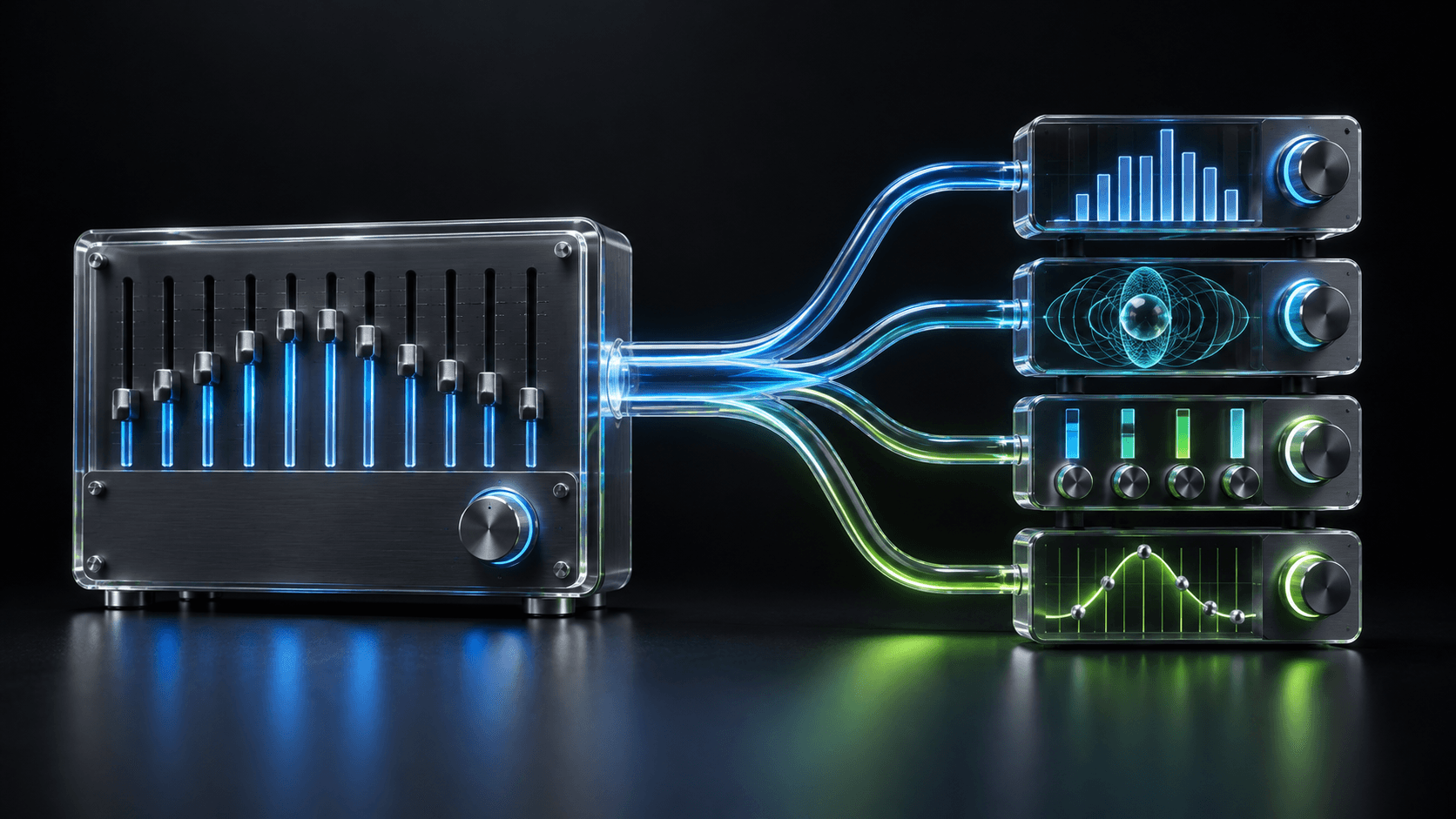
FxSound is a free, open-source sound enhancer for Windows. It has no Mac version, so moving to macOS means choosing which part of it you actually relied on: the volume boost, the enhancement effects, or the equalizer.
Four Mac options, one view
What replaces FxSound on a Mac
Pick by the FxSound feature you miss most: louder audio, enhancement effects, open source, or a clean per-app equalizer.
| App | Price | Core controls | Volume boost | Audio setup | System |
|---|---|---|---|---|---|
| SOUND | Free | 8-band EQ, volume, and output for each app | No boost above 100% | No virtual audio driver | macOS 26+ |
| FineTune | Free · open source (GPL v3) | 10-band EQ, volume, and multi-device output for each app | 2×–4× per-app gain | No virtual audio driver | macOS 15+ |
| eqMac | Free · Pro from $3/month | 10-band system EQ; per-app mixer in Pro | Volume above 100% | Installs a loopback audio driver | macOS 10.13+ |
| Boom 3D | Paid · 15-day trial | 31-band EQ, 3D surround, effects, app volumes | System-wide volume booster | Installs the Boom 3D audio device | macOS 11+ |
Pricing, features, and compatibility checked against each maker’s official site or repository on September 29, 2026.
Is FxSound available for Mac?
No. FxSound’s own site says the app is compatible with Windows PCs only, and its developers say a Mac or Linux version depends on future resources. FxSound became free in 2022 and open source under the AGPL in 2023, but the published code is a Windows program, so there is nothing to install on macOS today.
FxSound combines three jobs: an equalizer with presets, effects that shape clarity and bass, and a volume boost. No single Mac app copies that mix exactly, which is why the right replacement depends on the job you miss most.
1. eqMac: the free system-wide equalizer
eqMac is the closest free match to FxSound’s “one EQ for everything” model. Its free tier includes a simple bass, mids, and treble equalizer, a 10-band equalizer, and volume and balance control for any output, including a boost beyond 100%. It supports macOS 10.13 or later on Intel and Apple silicon.
The trade-offs are architectural and commercial. eqMac routes audio through a user-space loopback driver it installs, and its per-app mixer, advanced equalizers, and spatial effects are part of the Pro subscription or lifetime license.
2. Boom 3D: the enhancement-first option
If you used FxSound for its “make it fuller” processing rather than precise EQ, Boom 3D is the closest Mac equivalent. Global Delight lists a 31-band equalizer with genre presets, 3D surround, a system-wide volume booster, and per-app volume control. It requires macOS 11 or later and offers a 15-day free trial before purchase.
Boom 3D processes system audio through its own Boom 3D audio device, which it installs and later asks you to remove through its uninstall option. Check the current price in your region before the trial ends.
3. FineTune: the open-source alternative
FineTune suits people who chose FxSound partly because it was open source. It is free under the GPL v3 and gives each app its own volume, mute, 10-band equalizer with 20 presets, 2× to 4× gain, and output to one or more devices. It uses modern macOS process audio rather than a virtual driver and requires macOS 15 or later.
4. SOUND: the focused free per-app equalizer
SOUND gives every app that is playing audio its own 8-band equalizer, volume, and output device from the menu bar. It includes Flat, Reduce Bass, Bass Boost, Vocal, Podcast, and Bright presets, and your custom curves appear in every app. It is free, needs no account, processes audio locally, and installs no virtual audio driver. It requires macOS 26.
The main difference from FxSound is scope. Instead of one enhancement chain for the whole computer, you can brighten a podcast, add bass to Spotify, and leave a call untouched at the same time.
How to choose
- Choose eqMac when you want a free system-wide EQ and louder output.
- Choose Boom 3D when enhancement and surround effects mattered most.
- Choose FineTune when free, open-source software matters most.
- Choose SOUND for a separate equalizer, volume, and output for each app on macOS 26.
Before you switch
Before you leave your Windows PC, take a screenshot of the FxSound preset or EQ curve you liked. Recreate it gently on the Mac: start flat, add only the bands you remember changing, and compare with a familiar track. Run one enhancer at a time, because stacking two system-wide processors on the same audio makes problems hard to trace.
Frequently asked questions
- Is there an FxSound version for Mac?
- No. FxSound says it is compatible with Windows PCs only. Mac users need a different app, such as eqMac, Boom 3D, FineTune, or SOUND.
- What is the best free FxSound alternative for Mac?
- eqMac is the closest free match for one system-wide equalizer with volume above 100%. FineTune is the free open-source choice with per-app controls, and SOUND is a free per-app 8-band equalizer, volume, and output for macOS 26.
- Which Mac app can boost volume like FxSound?
- eqMac’s free tier and Boom 3D can raise output above normal limits, and FineTune offers 2× to 4× gain per app. SOUND does not boost volume above 100%.