How to humanize MIDI without losing the groove
Make MIDI feel intentional with accents, note lengths and selective timing changes. Compare a straight pattern with a shaped one without randomizing everything.
November 11, 20264 min read
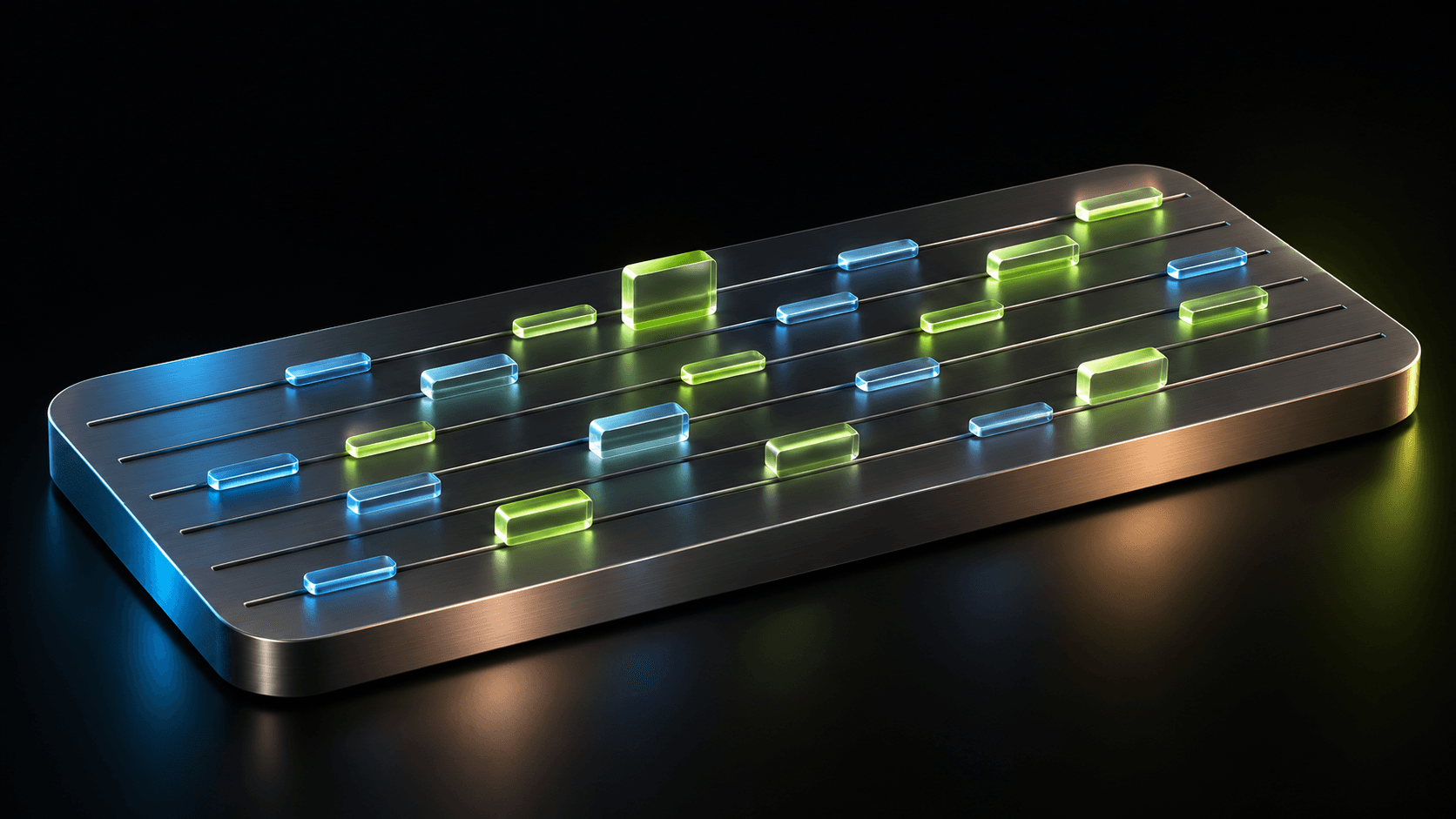
A perfectly aligned MIDI part can feel good. It can also feel flat when every note has the same weight and length. Before moving notes off the grid, decide what the phrase is meant to emphasize.
Decide what feels too mechanical
Choose a one- or two-bar MIDI phrase and save a duplicate. Listen for one specific problem: identical accents, notes that never breathe, or an accompanying part that fights the drums. Fixing a named problem is more useful than applying a humanize preset to every track.
The instrument matters. Velocity can change loudness, tone, sample selection or nothing, depending on the patch. Try a clearly quieter note first to learn what your sound responds to.
Shape one short phrase
For this exercise, use eight evenly spaced notes in 4/4. Keep the pitches and tempo unchanged so the comparison stays useful. The values are starting points for listening, not a performance standard.
- Keep the first note as an anchor. Try velocity 90 there and 65 on a few supporting notes; adjust for the instrument.
- Shorten a note before an important accent so the phrase has a small breath. Listen for the instrument’s release tail.
- Move only selected offbeats slightly later, starting around 10 ms. Leave the main pulse unchanged and compare immediately.
- Undo any change that weakens the phrase. Save both versions and check them against the complete rhythm section.
Separate groove from random timing
Swing changes the relationship between subdivisions in a repeating way. A groove template can carry a timing and accent pattern. Randomization scatters values without necessarily creating that relationship. These are different musical choices.
In Ableton Live, Timing, Random and Velocity are separate groove controls. Use the same distinction in any editor: first choose a pattern, then decide whether small variation serves it. Do not assume every style swings or that an expressive performance must sit behind the beat.
Check the part in the arrangement
Compare the edited and original clips with the drums and melody, at similar perceived loudness. Keep the version whose accents are clearer and whose timing feels more connected. If the beat becomes vague, restore the anchor notes before reducing every change.
When using a Mozart sketch as a starting point, make these edits in your MIDI editor after choosing a phrase you like. Save the straight version too. You are shaping an intention, not hiding the fact that the notes came from software.
Keep building the track
- How to write a bassline over chordsBuild a bassline from chord roots, rhythm and a few connecting notes. Try a four-bar exercise, then hear how changing the bass changes the harmony.
- How to change chord rhythm without changing the chordsTurn held chords into pulses or offbeat stabs. Learn the difference between chord-change timing and attack rhythm with a practical four-bar exercise.




Frequently asked questions
How many milliseconds should I humanize MIDI?
There is no universal value. A small change around 10 ms is a useful experiment, but tempo, instrument attack and the musical style determine whether it helps. Keep an unchanged version for comparison.
Is changing velocity enough?
Sometimes. Clear accents and appropriate note lengths may give the phrase everything it needs. If the timing already works with the arrangement, leave it alone.