Stem splitter
How to isolate drums from a song without losing the groove
Isolate drums from a song for practice, analysis or an authorised remix. Preserve timing, reduce bleed, and learn when to use the drum stem or the drumless mix.
September 10, 20267 min read

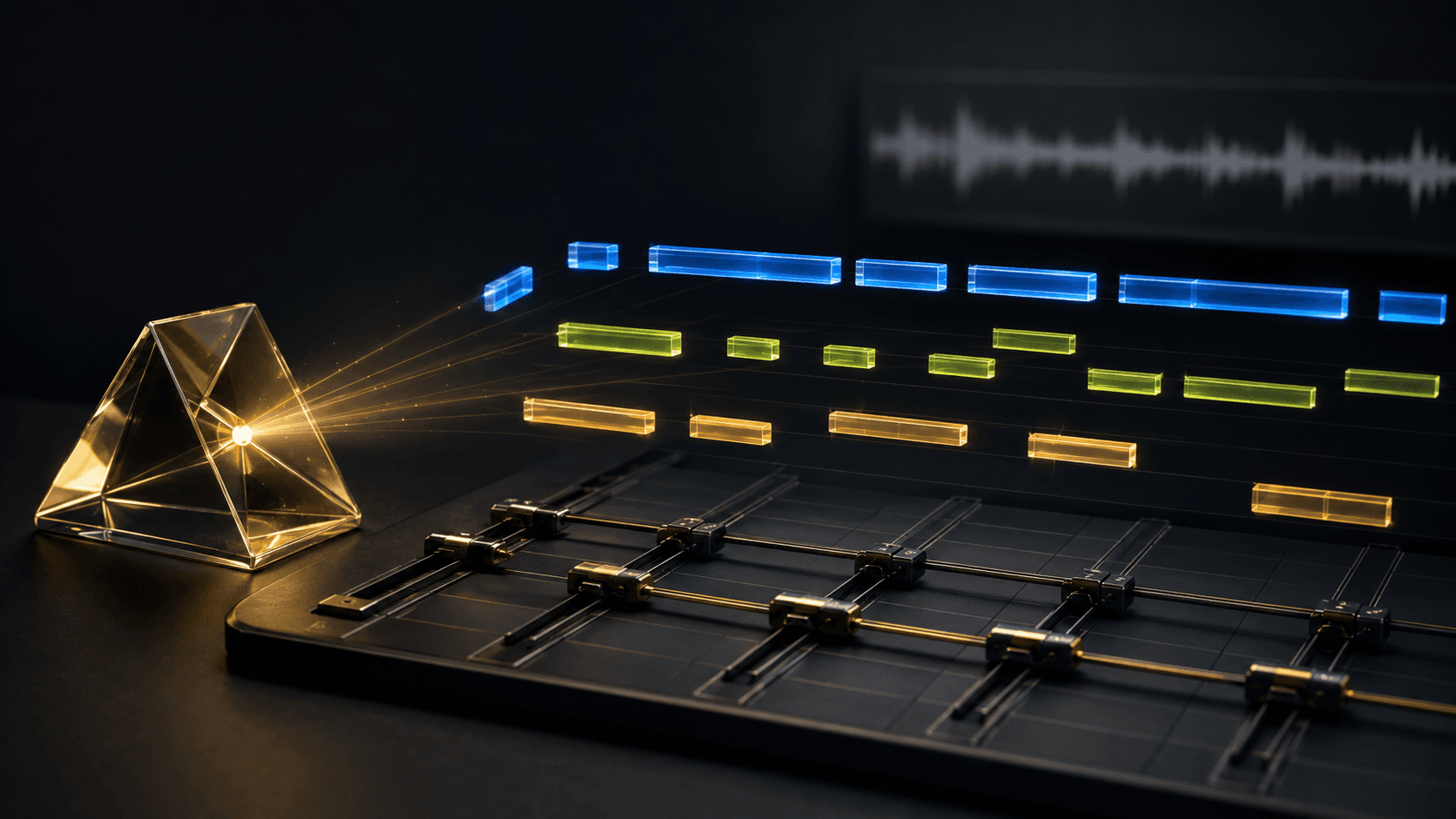
Isolate drums by running the complete track through a multi-stem separator, downloading the drum stem, and keeping its original start point. Use the result as a rhythmic reference, a practice part or an authorised production source; choose the drumless instrumental when the real job is to replace the beat.
Know what the drum stem should contain
A drum stem normally groups kick, snare, cymbals, percussion and room sound. It is not the same as receiving separate microphones or samples from the recording session; its value is the performance as a whole.
Solo the drum stem for analysis. Mute it and use the remaining instrumental when you want to replace the beat. Choosing the right side of the split avoids unnecessary cleanup.
Choose a source that preserves transients
Drum attacks are brief and bright, so lossy compression can smear them into guitars, vocals and noise. Start with WAV, AIFF or FLAC when possible, or the best legitimate MP3 you have.
A separated drum break is still part of the source recording. Clear the sample or use your own, licensed or public-domain material before releasing it.
Isolate the drums and keep every transient aligned
Choose Studio for a dedicated drum stem as WAV, upload the full song, and preview a sparse intro, dense chorus and kick-and-bass passage. Download all stems when you also need a drumless reconstruction.
Import the drums and original at the same timeline position. Do not cut at the first visible hit; leading space preserves alignment with every other stem.
Reduce bleed without flattening the groove
Bass can enter the kick, bright vocals can enter cymbals, and distorted guitars can spread everywhere. Start with clip gain or short fades. Filter only a specific conflict without thinning the drums you wanted.
A gate can erase ghost notes, room decay and human movement. If the stem is only a guide, leave it imperfect and rebuild the rhythm with your own sounds.
Choose the drum stem or the drumless mix
Use the drum stem to learn a pattern, trace an energy curve, build a practice loop or reinforce an authorised remix. Use the drumless mix to audition a new kit or hear how much groove lives outside the percussion.
The full stem workflow keeps all five files organised. The vocal workflow follows the same alignment rule when the voice is the part you need next.
Isolate drums in four steps
- Choose Studio for a dedicated WAV drum stem.
- Upload the cleanest authorised version of the song.
- Preview sparse, dense and kick-and-bass passages.
- Download without trimming the shared start point.
Continue the separation workflow
- Split the complete song into stemsKeep five outputs aligned and choose the smallest useful split.
- Isolate vocals for an acapellaPreserve the singer’s timing and clean only the exposed edges.
Frequently asked questions
- How do I isolate drums from a song?
- Run the full track through a multi-stem separator and download the drums stem. CPL OF MNGS Studio separates vocals, drums, bass, other and instrumental as WAV files, while the free Standard tier is intended for vocals and instrumental only.
- Why can I hear bass or vocals in the drum stem?
- Kick drums overlap bass, cymbals overlap bright vocals and guitars, and room sound can tie the whole mix together. A separator estimates ownership from context, so dense or heavily compressed passages can leave bleed.
- Can I use an isolated drum stem as a sample?
- Only when you have the rights to use the source recording. Separation changes the file, not its ownership; clear the sample or use your own, licensed or public-domain material before publishing it.