Mac audio guide
3 SoundSource alternatives for Mac: free, open-source, and power-user options
Compare Sound Control, FineTune, and SOUND with SoundSource 6 by price, macOS support, per-app EQ, routing, Audio Units, and everyday complexity.
August 24, 20266 min read
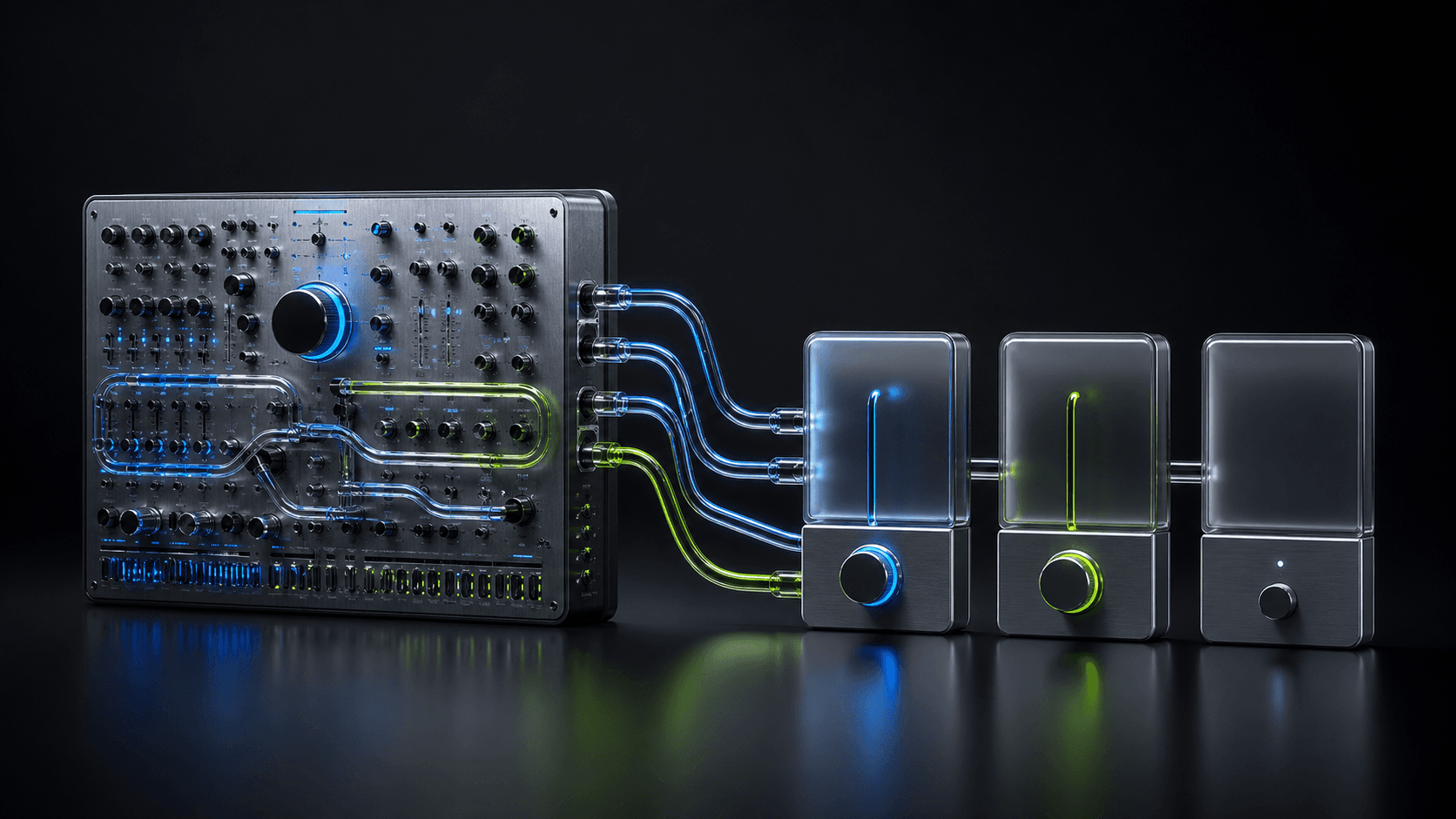
SoundSource is still the most complete polished audio-control suite for many Mac users. The right alternative is not a copy with every feature: it is the app that keeps the controls you use and removes the price, complexity, or system requirement you do not need.
Five options, one view
Mac audio apps at a glance
SOUND is the focused free option for macOS 26: per-app EQ, volume, and routing, with no virtual audio driver installed.
| App | Price | Core controls | Audio setup | System |
|---|---|---|---|---|
 SOUND SOUND | Free | 8-band EQ, volume, routing per app | No virtual audio driver | macOS 26+ |
 FineTune FineTune | Free · open source | 10-band EQ, volume, routing per app | System audio permission | macOS 15+ |
 SoundSource SoundSource | $49 | EQ, volume, routing, Audio Units | System audio permission | macOS 15–27 |
 eqMac eqMac | Free EQ · Pro app mixer | System EQ; paid per-app mixing | User-space loopback driver | macOS 10.13+ |
 Sound Control Sound Control | Paid · trial available | 10/31-band EQ, routing, AU, MIDI | System audio access | macOS 11.4–26 |
Pricing, features, and compatibility checked against each maker’s official site on September 13, 2026.
What SoundSource does well
SoundSource 6 combines per-app volume and output routing with a built-in 10-band equalizer, Audio Unit hosting, system-device controls, AirPlay, output groups, and saved Quick Configs. It supports macOS 15 through 27 and costs $49 for a single-user license after its trial. That is a broad, coherent package rather than just a volume mixer.
An alternative makes sense when that breadth is more than you need, when you prefer open-source software, or when your Mac runs an older or newer system that points you toward a different option. Compare the actual job first: basic listening controls, deep audio processing, or automation.
1. Sound Control: the power-user alternative
Static Z Software’s Sound Control 3 covers per-app volume, routing, balance, 10- and 31-band equalizers, Audio Units, AutoEQ headphone profiles, hotkeys, and MIDI. It also adds priority devices, virtual volume keys, and a mode that mutes background apps. Its biggest compatibility advantage is support from macOS 11.4 through 26.
Choose it when you want hardware-style control or need an older Mac to remain useful. Its direct license and Mac App Store subscription are separate purchases, so decide where you want updates and billing before paying.
2. FineTune: the open-source alternative
FineTune is the choice for people who value inspectable code and a free, community-driven tool. It offers per-app volume, equalization, routing, and headphone-oriented controls without turning the decision into a license purchase. The trade-off is the normal one for a younger open-source project: fewer guarantees around polish, documentation, and support than a long-established commercial product.
3. SOUND: the focused free alternative
SOUND keeps the everyday controls together: an 8-band equalizer, volume, and output selection for every app currently playing audio. It is free, requires no account, and uses the process-audio engine in macOS 26, so it does not add a virtual audio device to the Mac.
How to choose
- List the SoundSource controls you used during the last week.
- Choose Sound Control for MIDI, hotkeys, Audio Units, or macOS 11.4–14.
- Choose FineTune when free and open source matter most.
- Choose SOUND for focused, free per-app listening controls on macOS 26.
- Keep SoundSource when its wider device, effects, and automation tools earn their place.
Before you switch
Take screenshots of any equalizer curves, routing rules, and Quick Configs you want to reproduce. Test the alternative with familiar audio before removing SoundSource, and avoid running two apps that both try to process the same source while you compare them.
Frequently asked questions
- What is the best free alternative to SoundSource?
- FineTune and SOUND are both free. FineTune offers more controls and open-source code; SOUND offers a simpler native menu-bar experience with per-app 8-band EQ, volume, and output routing on macOS 26.
- Is SoundSource worth $49?
- It can be if you need Audio Unit effects, AirPlay routing, output groups, device controls, Quick Configs, and broad professional support in one polished app. A focused alternative is better value when you only need per-app EQ, volume, and routing.
- Which SoundSource alternative works on older Macs?
- Sound Control supports macOS 11.4 through macOS 26. SoundSource 6 supports macOS 15 through 27, while SOUND requires macOS 26. Always verify the current requirement on the developer’s site before downloading.