Mac audio guide
3 Sound Control alternatives for Mac: simpler ways to manage app audio
Compare SoundSource, FineTune, and SOUND with Sound Control 3 for per-app volume, equalizers, routing, Audio Units, MIDI, price, and macOS support.
August 24, 20266 min read

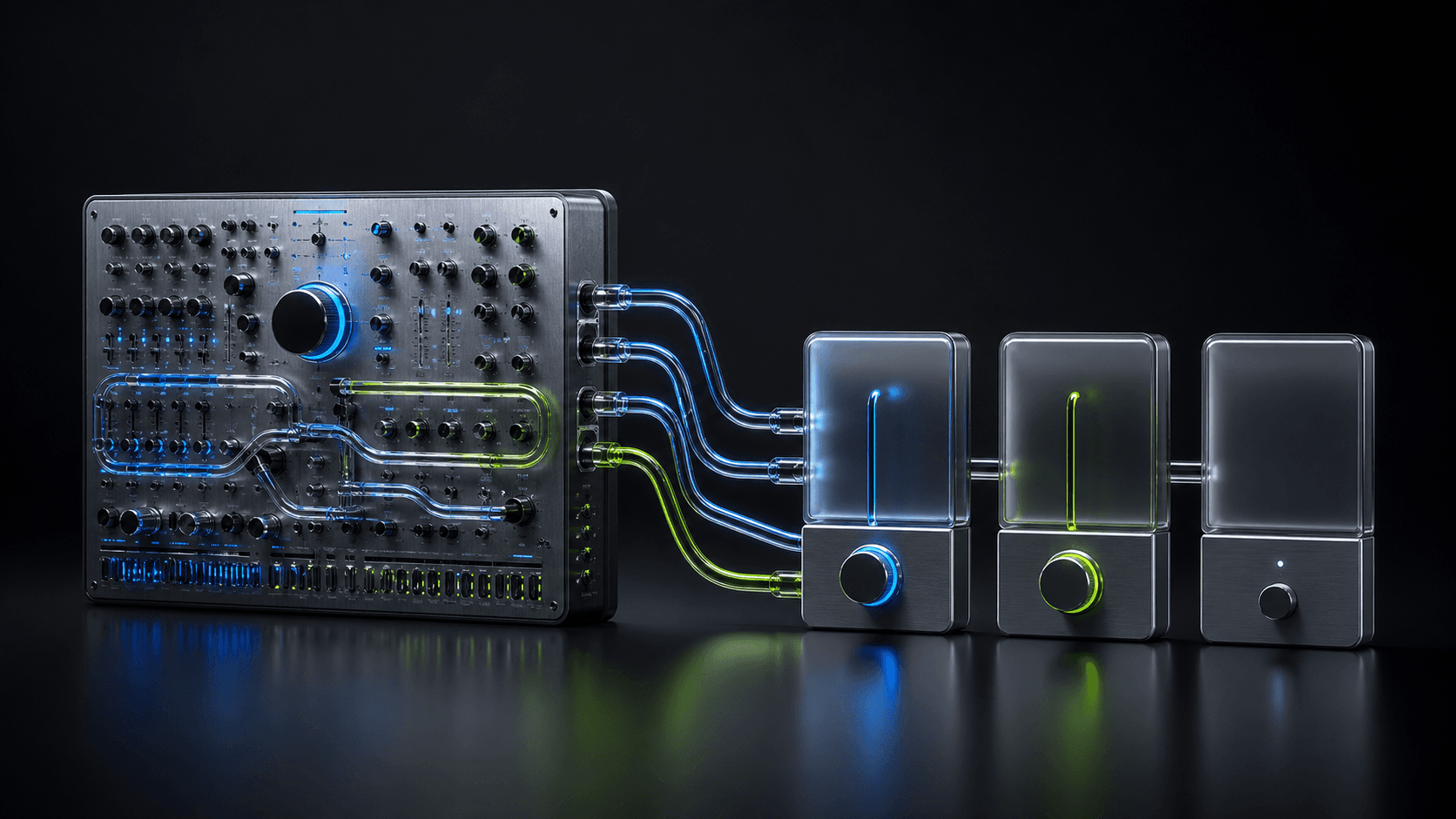
Sound Control 3 is unusually capable: it can mix, route, equalize, host effects, respond to MIDI, and switch devices automatically. A useful alternative should match the part of that workflow you actually use, not pretend every listener needs the whole control surface.
Five options, one view
Mac audio apps at a glance
SOUND is the focused free option for macOS 26: per-app EQ, volume, and routing, with no virtual audio driver installed.
| App | Price | Core controls | Audio setup | System |
|---|---|---|---|---|
 SOUND SOUND | Free | 8-band EQ, volume, routing per app | No virtual audio driver | macOS 26+ |
 FineTune FineTune | Free · open source | 10-band EQ, volume, routing per app | System audio permission | macOS 15+ |
 SoundSource SoundSource | $49 | EQ, volume, routing, Audio Units | System audio permission | macOS 15–27 |
 eqMac eqMac | Free EQ · Pro app mixer | System EQ; paid per-app mixing | User-space loopback driver | macOS 10.13+ |
 Sound Control Sound Control | Paid · trial available | 10/31-band EQ, routing, AU, MIDI | System audio access | macOS 11.4–26 |
Pricing, features, and compatibility checked against each maker’s official site on September 13, 2026.
What Sound Control does well
Sound Control gives each app separate volume, output, balance, and effects settings. It can host compatible Audio Units, provides 10- and 31-band graphic equalizers plus AutoEQ headphone profiles, and maps controls to hotkeys or MIDI. Priority devices and virtual volume also solve hardware problems that a basic per-app mixer does not address.
It supports macOS 11.4 through 26 and offers a trial, a direct purchase, and a separate Mac App Store subscription. Look elsewhere when you want a more refined all-in-one professional experience, an open-source path, or a smaller listening tool with fewer controls to manage.
1. SoundSource: the polished professional alternative
SoundSource 6 is the closest commercial alternative. It combines per-app volume, routing, a 10-band equalizer, Audio Units, AirPlay, output groups, detailed device settings, Shortcuts support, and Quick Configs in a highly refined menu-bar app. It costs $49 and supports macOS 15 through 27.
Choose SoundSource when interface polish, documentation, and integrated device workflows matter more than Sound Control’s MIDI mapping, 31-band equalizer, or older macOS support.
2. FineTune: the open-source alternative
FineTune offers per-app volume, equalization, routing, and headphone-focused controls as a free open-source project. It is the most natural move when transparency, community development, and zero license cost matter more than commercial support or a long list of automation features.
3. SOUND: the focused free alternative
SOUND is built for the common case: change one app’s volume, apply an 8-band EQ curve, or send it to another available output. It is free, local, account-free, and lives in the menu bar. Because it uses the modern process-audio engine, it requires macOS 26 and installs no virtual audio device.
How to choose
- Keep Sound Control for MIDI, foreground-app hotkeys, priority devices, or 31-band EQ.
- Choose SoundSource for a polished professional suite with AirPlay and device groups.
- Choose FineTune for a free, open-source toolkit.
- Choose SOUND for simple per-app EQ, volume, and routing on macOS 26.
Before you switch
Record your current app volumes, effect chains, headphone curve, and device priorities. Trial the replacement against those exact tasks. Remove or disable overlapping processing only after the new workflow is proven, so you can tell which app is changing the audio during testing.
Frequently asked questions
- What is the best free alternative to Sound Control for Mac?
- FineTune is the broader open-source option, while SOUND is the simpler choice for per-app 8-band EQ, volume, and output routing from the menu bar. Both are free; SOUND requires macOS 26.
- Which alternative supports Audio Unit effects?
- SoundSource supports built-in and third-party Audio Units per app and system-wide. FineTune and SOUND focus on their own included controls instead of acting as general Audio Unit hosts.
- Should I leave Sound Control if I use MIDI or hotkeys?
- Probably not. Sound Control’s MIDI mapping, foreground-app hotkeys, priority devices, and background-app muting are distinctive power-user features. Switch only if a simpler interface, open-source code, or another professional workflow matters more.