Mac audio guide
Spotify Lossless on Mac: turn it on and hear what actually changes
Turn on Spotify Lossless on Mac, check the connection and output that can limit it, and learn where per-app EQ fits without confusing tone with fidelity.
September 2, 20267 min read
Spotify Lossless is available in the Mac desktop app for eligible Premium listeners. Turn it on under Media quality, then check the connection between your Mac and the device you hear. The setting can deliver a lossless source, but Bluetooth, an incompatible output, or an unstable connection can still become the limiting step.
Turn on Spotify Lossless on Mac
- Update the Spotify desktop app to the current version.
- Select your profile picture, then open Settings and privacy.
- Scroll to Media quality.
- Choose Lossless for streaming.
- If you keep music offline, choose Lossless for downloads and let Spotify update the files.
Lossless is a Premium feature and applies to music, not podcasts, audiobooks, or music videos. Spotify describes the top setting as FLAC up to 24-bit/44.1 kHz. “Up to” matters: the source recording, the version available in the catalogue, and the playback device still set the ceiling for a particular track.
When Spotify Connect is playing on another device, change the quality while connected to that device. A setting chosen for the Mac does not rescue a speaker or receiver that cannot accept the lossless stream.
Check the whole playback chain
Think of Lossless as a chain with four links: the recording in Spotify’s catalogue, the stream reaching your Mac, the connection out of the Mac, and the headphones, speakers, DAC, or receiver at the end. The Lossless badge only answers the first part of that journey.
On Mac, Applications → Utilities → Audio MIDI Setupshows the sample rate and bit depth available for an audio output. Match the format to what the device supports rather than simply selecting the largest number. Higher settings cannot add detail that was not in the source, and unnecessary conversion does not make a track more musical.
Know what Bluetooth changes
Standard Bluetooth audio uses a codec between the Mac and the headphones. That connection is convenient, but it does not preserve a bit-for-bit lossless stream. Spotify therefore lists Bluetooth as a connection type that may prevent true lossless delivery.
A second Bluetooth problem is easier to hear. When an app starts using the headset microphone, macOS can switch the headphones into a lower-quality two-way mode. If Spotify suddenly sounds narrow or muffled during a call, quit the mic-using app or choose the Mac’s built-in microphone as the input. Our full guide explains why Bluetooth headphones sound bad on Mac.
Compare Lossless at the same volume
Do not expect Lossless to become louder. Spotify applies loudness normalisation independently of file quality, and even a small level difference can make one version seem clearer or fuller. Keep the same track, output, and volume when you compare Lossless with Very high.
Listen for stable details rather than spectacle: the decay around a cymbal, the edge of a quiet vocal, or separation inside a dense passage. Spotify itself notes that the difference may not feel dramatic to every listener. If you hear no change, that is not a failed test; it may mean the room, headphones, connection, or recording matters more at that moment.
Separate Lossless from EQ
Lossless and equalisation solve different problems. Lossless preserves the source data delivered by Spotify. EQ deliberately changes the balance of that source after delivery—less boom at 125 Hz, for example, or a small lift for presence. Once you process the signal, the output is no longer bit-for-bit identical, but the source did not become a lower bitrate file.
Use Lossless when fidelity to the available source matters. Use EQ when the source is intact but your headphones, room, or taste needs a tonal correction. If you are unsure where to begin, the Spotify equalizer guide starts Flat and changes only the problem you can hear.
Tune Spotify without changing other apps
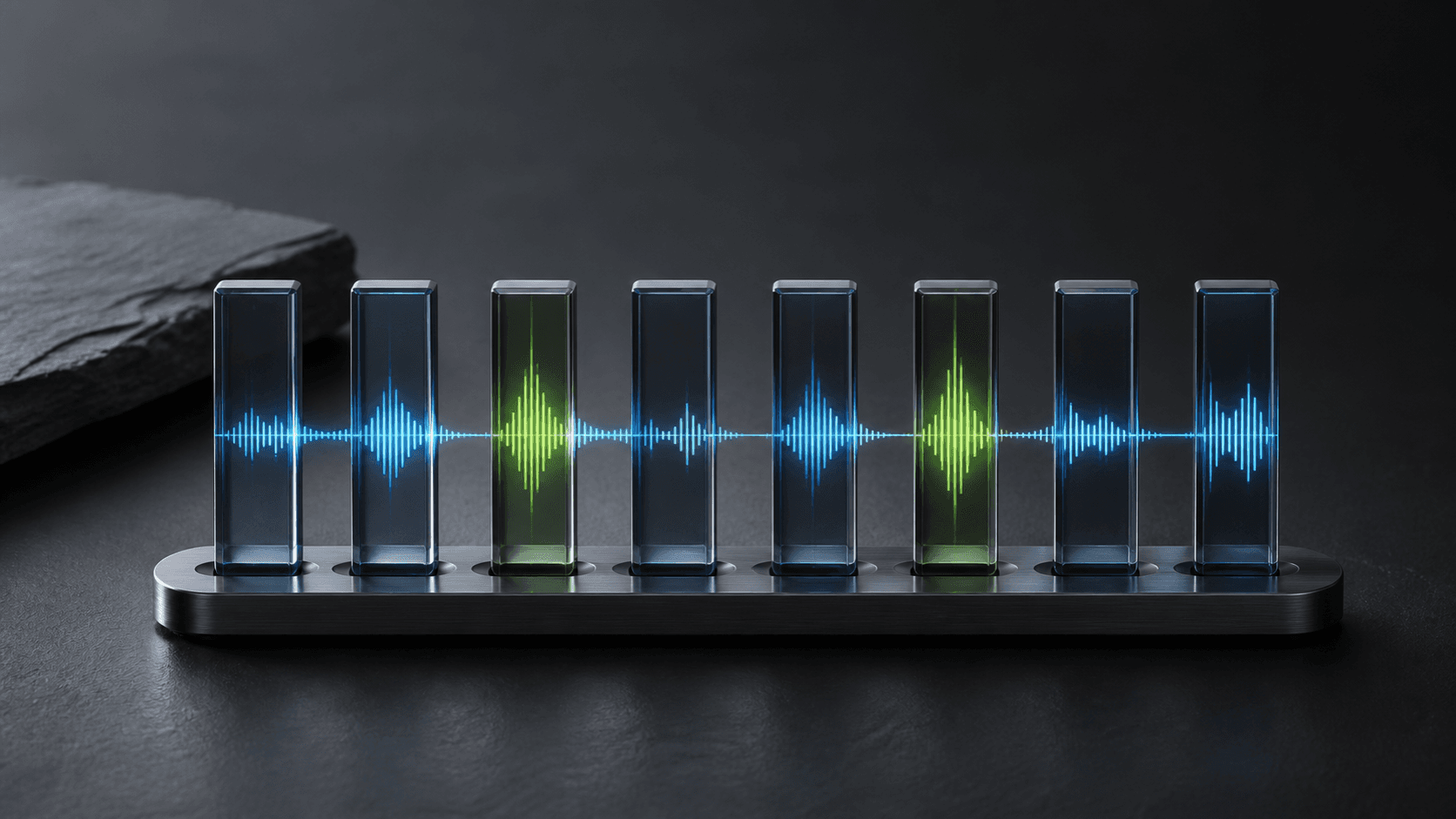
If Spotify needs a small correction but calls and browser audio already sound right, keep the change per app. SOUND gives Spotify its own 8-band equalizer, volume, and output choice from the Mac menu bar. The audio is processed locally and is not recorded or stored.
- Start a familiar track in Spotify with Lossless enabled.
- Open SOUND and select Spotify from the active apps.
- Begin with Flat, then identify one specific problem.
- Move one band by a small amount and compare again at the same level.
- Save the curve only if it helps across several familiar tracks.
The sequence matters: secure the source and connection first, then use EQ for the remaining tonal problem. That keeps “better quality” from becoming a stack of settings whose effect you can no longer identify.
Frequently asked questions
- How do I turn on Spotify Lossless on Mac?
- In the Spotify desktop app, open your profile picture, choose Settings and privacy, find Media quality, and select Lossless for streaming or downloads. Spotify says Lossless requires Premium and desktop app version 1.2.67 or later.
- Does Spotify Lossless work over Bluetooth on Mac?
- Spotify warns that the connection method can prevent lossless playback, and standard Bluetooth links do not preserve a bit-for-bit lossless stream. Use a compatible wired output or supported Spotify Connect device when true lossless delivery matters.
- Can I use an equalizer with Spotify Lossless?
- Yes. Lossless describes the quality of the source delivered to Spotify; EQ deliberately changes its frequency balance afterward. SOUND can apply an 8-band curve to Spotify alone while other Mac apps remain unchanged.