Mozart journal
Can you DJ with Spotify in 2026? What works—and what does not
Spotify now works inside rekordbox, Serato, and djay, but only online and for personal use. Learn the limits before building a set around streaming tracks.
September 2, 20268 min read
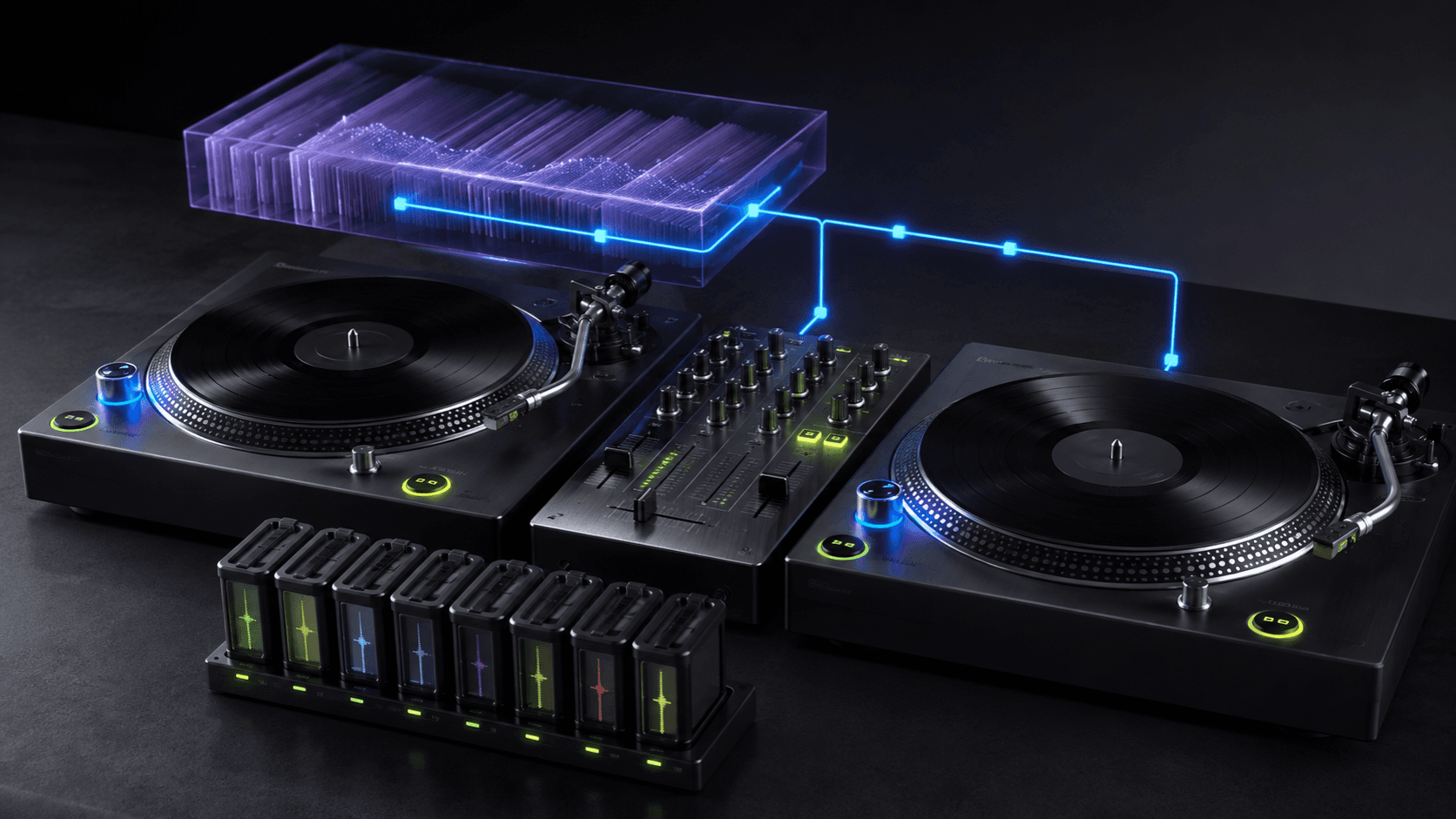
Yes, Spotify Premium now works inside rekordbox, Serato, and djay. It is useful for learning, trying transitions, and discovering what belongs in a set. It is not an offline performance library: Spotify requires an internet connection and limits the music to personal, non-commercial use.
See where Spotify works for DJs
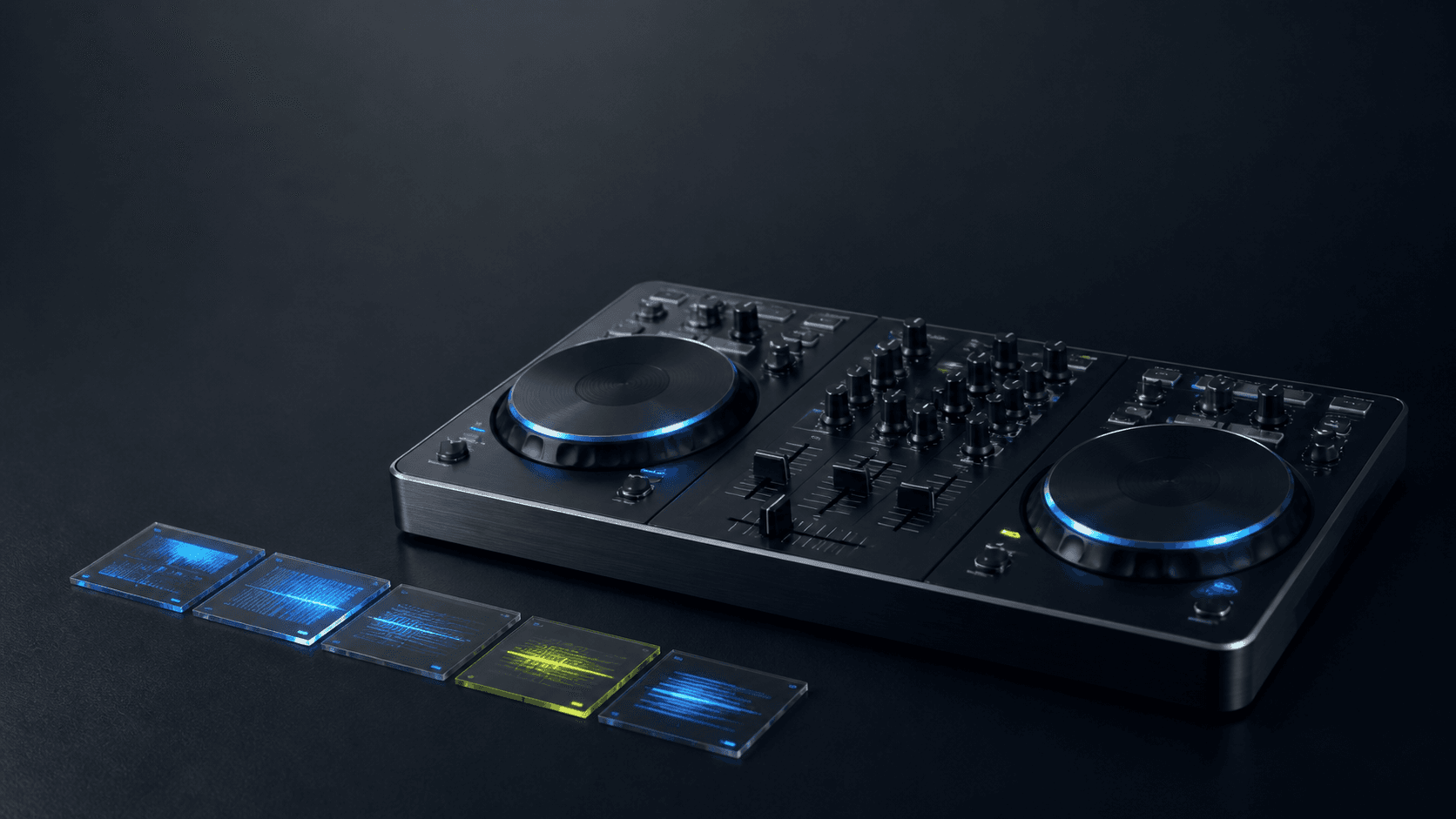
Spotify returned to mainstream DJ software with direct integrations rather than an audio-capture workaround. On Mac and Windows, the supported list is rekordbox, Serato, and djay. On iOS and Android, it is rekordbox and djay. Availability can still vary by market and catalogue rights.
The timing explains the interest. In Digital DJ Tips’ 2026 census of more than 22,000 DJs, the arrival of major streaming services inside DJ software was the most-selected recent technology development. It removes the slow first step—buying a library before you can discover whether you enjoy mixing—without removing the need to learn selection, phrasing, and preparation.
Connect Spotify to DJ software
- Confirm Spotify Premium is available in your market.
- Install the latest version of rekordbox, Serato, or djay.
- Open the streaming-services panel and choose Spotify.
- Sign in and authorise the connection.
- Open a Spotify playlist or search the available catalogue.
- Load two tracks, let the software analyse them, and begin with a simple transition.
Spotify lets supported DJ software mix up to four tracks at once. Build and edit Spotify playlists in the Spotify app; the connected browser is mainly for finding and loading music. If a track does not appear, it may be unavailable to third-party DJ apps even when it plays normally inside Spotify.
Know the limits before a set
The decisive limit is not sound quality. It is access. Spotify DJ playback is online only, so a weak venue network can remove the track you planned to play. Spotify also states that its catalogue in DJ software remains for personal, non-commercial use; clubs, venues, events, and livestreams are outside that permission.
Individual apps impose further restrictions. In rekordbox, Spotify tracks cannot be recorded, stored offline, exported to USB or SD cards, loaded into the sampler, or used with track separation. Analyse and cue behaviour can also differ from local files. Check the current support page for your chosen software rather than assuming every deck feature will work.
Build a practice set with streaming
Streaming is excellent for cheap, fast experimentation. Start with ten to fifteen tracks in a narrow tempo and energy range, then find an opening, a peak, and a landing. Do not browse while every transition is happening. Choose a small field first so your ears can learn what the waveforms cannot tell you.
- Pick one room, time of night, or imagined audience.
- Choose three anchor tracks: opening, highest point, and landing.
- Add two possible routes between each anchor.
- Set cue points at phrase boundaries and practise complete transitions.
- Write down the tracks that survive three full practice passes.
Our guide to planning a DJ set energy curve turns those anchors into flexible arcs. If this is your first set, the beginner DJ workflow keeps the library and technique deliberately small.
Move important tracks into an owned library
A track earns its place in the performance library after you know where it enters, what it can follow, and how you recover when the planned mix fails. Acquire those tracks from a legitimate download source, analyse the local files, check their grids by ear, set cues again, and make a backup that does not depend on a login.
Owning a file does not automatically grant public-performance, broadcast, or recording rights. Those depend on the music, licence, venue, and jurisdiction. The practical distinction is simpler: streaming access can disappear during the set; a prepared local file remains available.
Turn selection into original performance
Once selection and phrasing feel stable, introduce material you can actually reshape. Mozart is a clip-based composition partner and live session mixer. A DJ feed can enter as an audio channel beside playable scenes, while MIDI Learn and the Akai APC mini mk2 mapping keep launching and mixing tactile.
The session grid, synth engine, editing, and saving are free. Mozart AI is the paid layer for generating playable parts from a musical brief. Use it to create an original percussion answer, bass movement, or harmonic texture, then decide what actually belongs beside the set. Spotify remains the listening and practice library; Mozart is where the new material can become yours to perform.
Frequently asked questions
- Which DJ software works with Spotify in 2026?
- Spotify officially supports rekordbox, Serato, and djay on desktop. On mobile, it supports rekordbox and djay. You need Spotify Premium, a supported market, an internet connection, and the latest version of the DJ software.
- Can I DJ with Spotify offline or record a mix?
- No. Spotify says DJ-software playback is online only, and its music is for personal, non-commercial use. rekordbox also disables recording, USB export, and offline storage for Spotify tracks.
- Can I use Spotify to DJ at a club or livestream?
- Spotify’s support documentation says public performance—including clubs, venues, events, and livestreams—is not permitted under its personal-use terms. Use properly acquired files and the licences required in your location for public work.